Instant communication is requisite for businesses, creators, and communities in the high-speed digital world. WhatsApp Channel is one of the most direct forms of communication tools. For all those wanting a simple way to share updates, promotions, or information with a wide audience, this how-to guide on how to create a WhatsApp channel can be a game-changer!
On WhatsApp Channels, admins can only post updates, and followers can only read them without being able to respond. It comes in handy for brands and influencers, educators, news platforms, and organisations to keep in touch with their audience privately.
This is an in-depth guide on how to create a WhatsApp channel, its advantages, what you need, how to do it best, and a few tips to expand your channel.
What Is a WhatsApp Channel?
WhatsApp Channel is a new channel broadcast feature that offers a one-to-many communication tool enabling admins to send messages, images, videos, links and polls to followers. Unlike WhatsApp groups, followers cannot view one another nor respond, keeping things private and noise-free.
WhatsApp Channels are hosted in the Updates tab of WhatsApp and are meant for public communication. That makes them perfect for announcements and sharing content regularly.
Why Should You Create a WhatsApp Channel?
Now, before we move to learn about how to create a WhatsApp channel, it is necessary to understand why this feature is useful.
Key Benefits of WhatsApp Channels
- Unidirectional contact — No junk or irrelevant responses
- Broad reach — Followers receive messages immediately
- Privacy protection – Followers’ phone numbers remained hidden
- Easy content sharing- Text, images, videos, and links can be shared with ease
- Free to Use – There are no charges
As a business owner, a content creator, or a community leader, WhatsApp Channels makes you earn the trust of your audience while remaining an open channel between you and your audience.
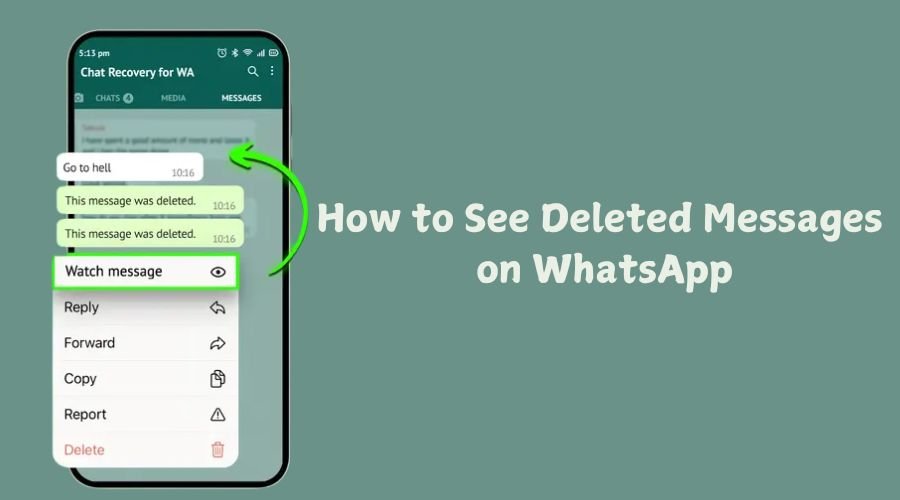
Also read:- How to See Deleted Messages on WhatsApp |
Requirements to Create a WhatsApp Channel
Here are some requirements that you need to have before beginning the process of how to create WhatsApp channel!
The latest version of WhatsApp is installed
- A valid WhatsApp account
- Stable internet connection
- Channel name and description ready
- Android and iOS users can create channels, and it works almost the same.
WhatsApp Channel: How to Create Step by Step
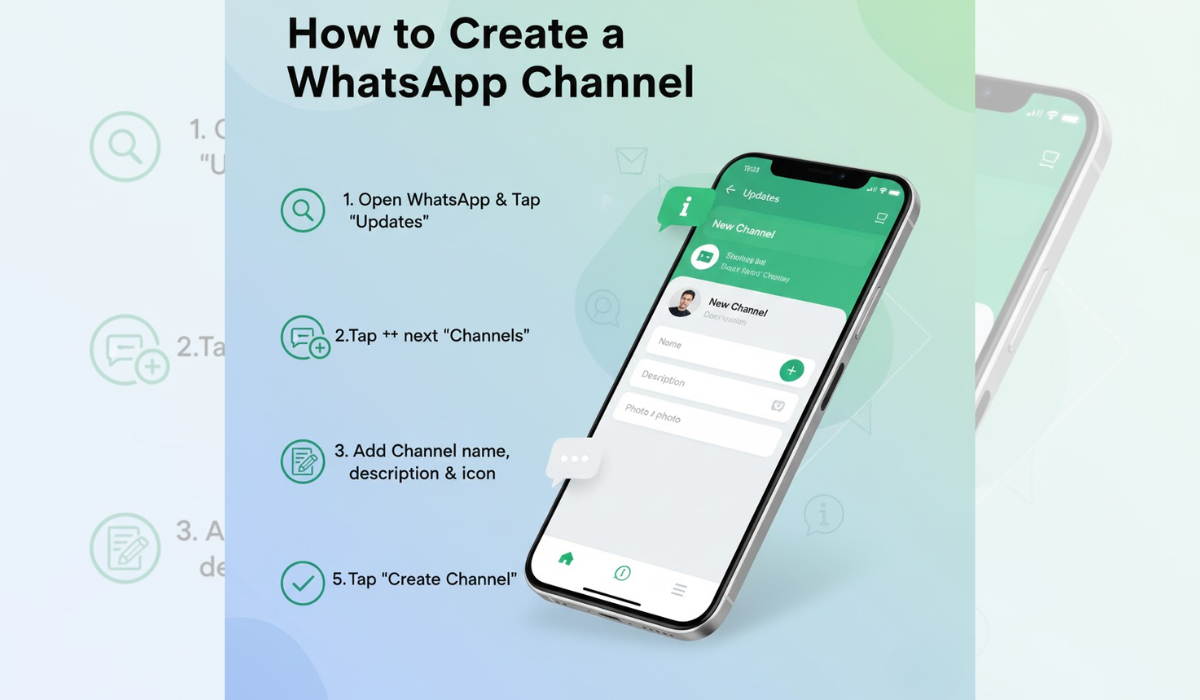
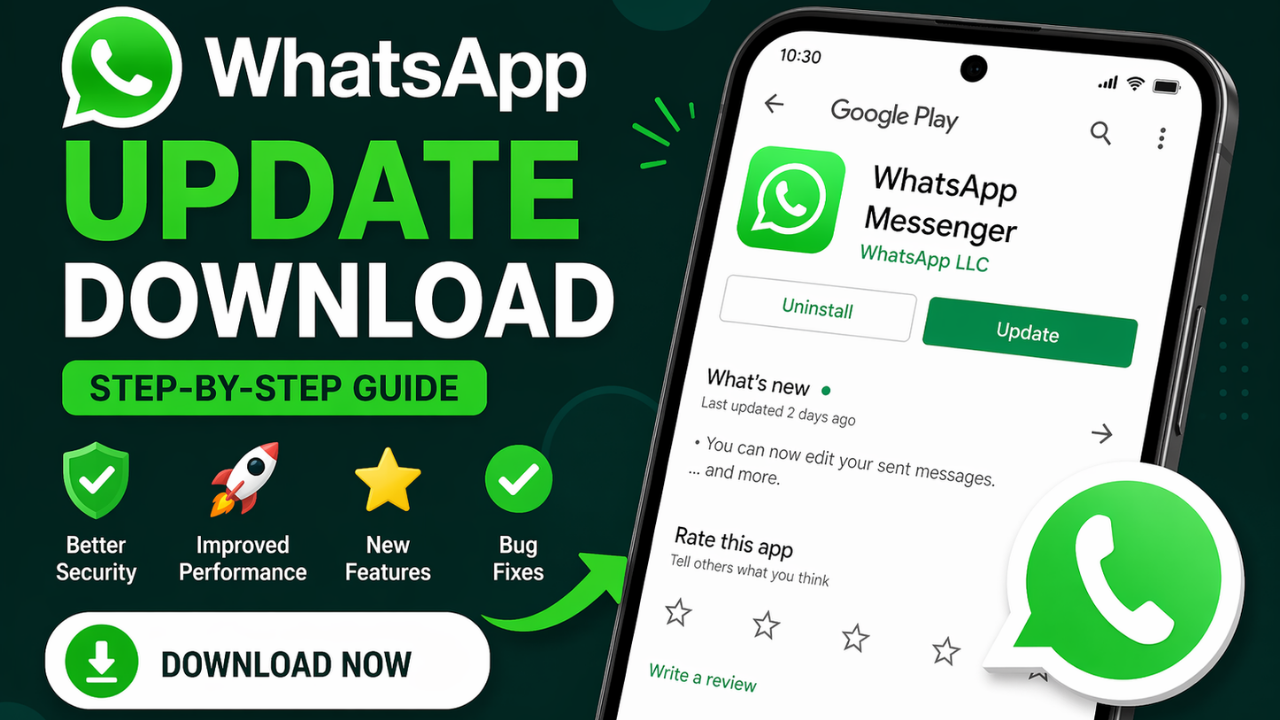
Step 1: Update WhatsApp
Update your app to the latest version from the Google Play Store or the Apple App Store. WhatsApp Channels may not show up in some earlier versions.
Step 2: Open the Updates Tab
Launch WhatsApp and open Updates from the bottom of the screen. Introduction to Status and Channels status and channels
Step 3: Click on Create Channel
Within the Channels section, tap Create Channel. WhatsApp will show a screen introducing channels and their functioning.
Step 4: Add Channel Details
Here you will need to:
- Enter your channel name
- Include a channel description (up to 150 characters)
- Choose an avatar (logo or brand image)
- Pick a name that makes sense and is appropriate to what your brand or purpose is.
Step 5: Create the Channel
Hit Create Channel, and your WhatsApp Channel will be up and running in seconds. And, you have just learned how to process of how to make a WhatsApp channel. Good job!
How to Share and Promote Your Channel
Building a channel is just the start. Promotion is a must-have to get your followers.
Ways to Promote Your Channel
- Share the channel link on social media
- Add the link to your website or blog
- Share in WhatsApp groups (where allowed)
- Include the link in email newsletters
- WhatsApp provides a unique channel link that you can copy and share anywhere.
Best Content Ideas for WhatsApp Channels
Content planning is essential if you want to leverage how to create a WhatsApp channel.
- Popular Content Types
- Daily tips or updates
- News and announcements
- Offers and discounts
- Educational content
- Polls for audience engagement
- By consistently posting valuable content, users retain their followers and attract engagement.
WhatsApp Channel vs WhatsApp Group
There are a lots confuse channels to groups. After learning how to create a WhatsApp channel, thought to know the difference.
| Feature | WhatsApp Channel | WhatsApp Group |
| Communication | One-way | Two-way |
| Privacy | High | Medium |
| Replies | Not allowed | Allowed |
| Best for | Broadcasting | Discussion |
Channels are ideal for information sharing, while groups are better for conversations.
Also read:- How to Delete WhatsApp Group: A Step-by-Step Guide 2025
Admin Controls and Privacy Features
Now that you know how to create a WhatsApp channel, you need to manage it properly.
Admin Features
- Edit channel name and description
- Add or remove channel image
- Limit the people who can follow the channel
- Delete messages if needed
Both admin and follower phone numbers are hidden on WhatsApp, which is how the messaging platform ensures privacy.
Tips to Grow Your WhatsApp Channel Faster
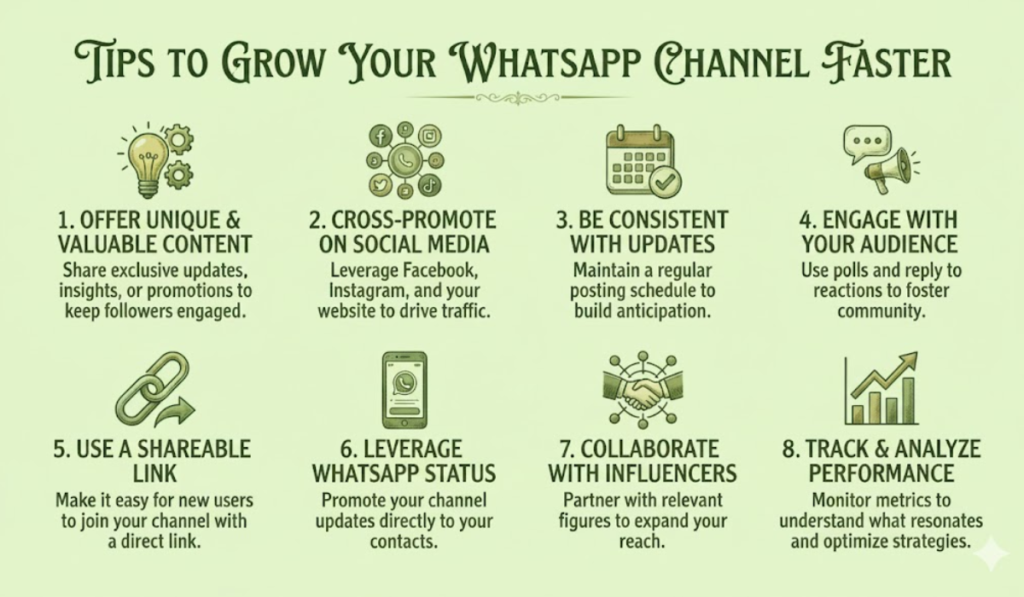
To succeed after learning how to create a WhatsApp channel, focus on growth strategies.
Growth Tips
- Post regularly (at least 3–4 times a week)
- Keep messages short and valuable
- Use images and videos for better reach
- Share exclusive content
- Promote consistently across platforms
Growth depends on trust, relevance, and consistency.
Common Mistakes to Avoid
It is simple to learn how to create a WhatsApp channel, but mistakes are committed by so many later.
Avoid These Errors
- Posting too frequently
- Sharing irrelevant content
- Ignoring branding
- Not engaging through polls
- Copy-pasting content without optimisation
A well-managed channel always outperforms.
Is WhatsApp Channel Good for the Business?
Yes, absolutely. Businesses can share through channels:
- Product launches
- Offers and coupons
- Service updates
- Educational content
WhatsApp is owned by Meta, so it alone places a premium on privacy and reach, and consequently, it is a good choice for business communication.
Future of WhatsApp Channels
WhatsApp Channels are still evolving. In the future, we can expect:
- Advanced analytics
- Monetization options
- Better discovery features
- More admin controls
Getting a head start by learning how to set up a WhatsApp channel now
Final Thoughts
In the current digital communication environment, it is important to know how to create a WhatsApp channel. If you are a brand, influencer, educator, or organisation of any kind, WhatsApp Channels provide a unique, free method to connect with your audience directly.
Due to its ease of setup, ample privacy and high engagement potential, WhatsApp Channels are fast becoming one of the best broadcasting tools out there. Begin your channel, add value and grow a loyal audience, step by step.
FAQs
1. Is creating a WhatsApp Channel free?
Yes, WhatsApp Channels are completely free to create and use.
2. Can anyone find my WhatsApp Channel?
Yes, public channels can be discovered via links and search.
3. Can followers reply to messages?
No, WhatsApp Channels support one-way communication only.
4. How many followers can a channel have?
There is no official limit on the number of followers
5. Can I delete my WhatsApp Channel?
Yes, admins can delete a channel anytime from settings.


![How to Logout from WhatsApp Complete Step-by-Step Guide [2025]](https://wedwasapp.com/wp-content/uploads/2025/01/How-to-Logout-from-WhatsApp-Complete-Step-by-Step-Guide-2025.jpg)